Point11 Studio
Every figure with its range. Never a verdict.
Each figure is a share of the customers asked, with its 95% range. Studio names no winner.
Simulated research, not measured performance.
See how Studio testsTwins see an in-stream ad before a video, a Short full screen, and an in-feed video or thumbnail in the feed.
Compare up to three ads in the same placement. Different placements get their own tests.
Measure against no ad at all. Or against the ad you run today.
Pick customers from your profile, or start with a ready-made audience. They react at first impression, or inside a buying scenario you describe.
Awareness. Consideration. Conversion. Each brings its own questions and its own section of results.
Point11 Studio
Each figure is a share of the customers asked, with its 95% range. Studio names no winner.
Simulated research, not measured performance.
See how Studio testsLine up as many as five ads in the order a customer meets them, ending on a landing page. For an ad that already ran, read its real results beside the twins' figures.
Point11 Studio
Point11 Studio makes YouTube ads from one brief, each for the placement it runs in. Ads made anywhere else can be tested too.
Run assets backed by your digital twins.
A · Number

Sponsored0:10
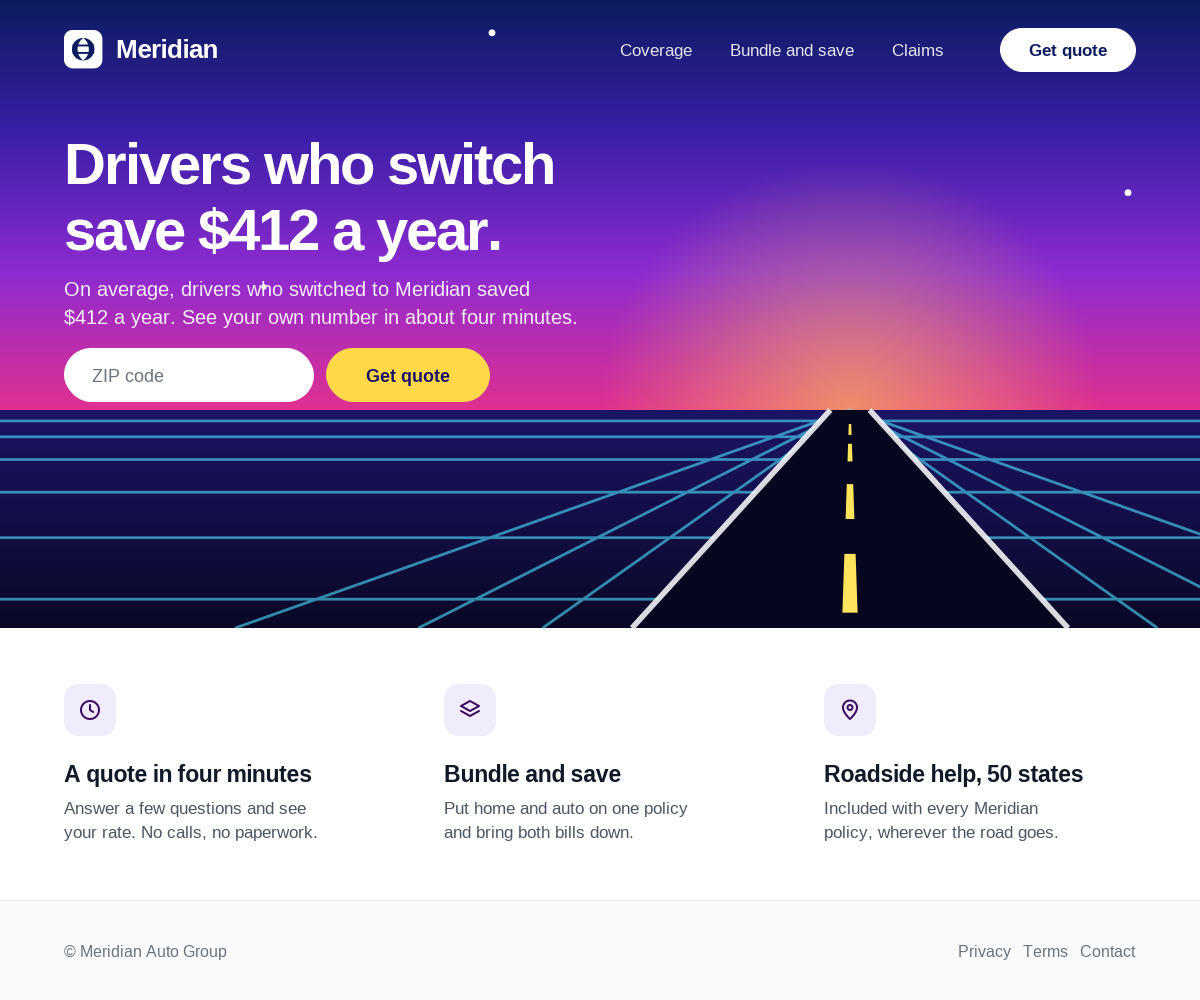
SkipDrivers who switch save $412 a year
Sponsored · meridianauto.com
B · Atlas

Sponsored0:10
SkipCovered wherever the road goes
Sponsored · meridianauto.com
C · Sunrise

Sponsored0:10
SkipSwitch in minutes. Save all year.
Sponsored · meridianauto.com
Skippable in-stream video
Sponsored0:10
SkipDrivers who switch save $412 a year
Sponsored · meridianauto.com
Engagement rate
Conversion rate
YouTube
Sponsored0:10
SkipDrivers who switch save $412 a year
Sponsored · meridianauto.com
Meridian Auto Group
Sponsored ·
Switching car insurance shouldn't take a weekend. Get your Meridian quote in about four minutes and see what you could save.

meridianauto.com
Switch in minutes. Save all year.
Landing page
Engaged by each step
Convert on the page
Skippable in-stream video
Sponsored0:10
SkipDrivers who switch save $412 a year
Sponsored · meridianauto.com
Shorts video

Meridian Auto Group
Switching car insurance shouldn't take a weekend. Get your Meridian quote in about four minutes and see what you could save.
SponsoredGet quote